PRIVATE NOTES FOR YOUR DESKTOP
Notes for you
Invisible to them
Your interview prep and meeting notes
right where you need them during a call
 Download for Mac

 Download for Windows
01 / HOW SCREEN PRIVACY WORKS
Keep your notes beside the meeting
Bring your private prompts to the call
Slide to preview the shared screen
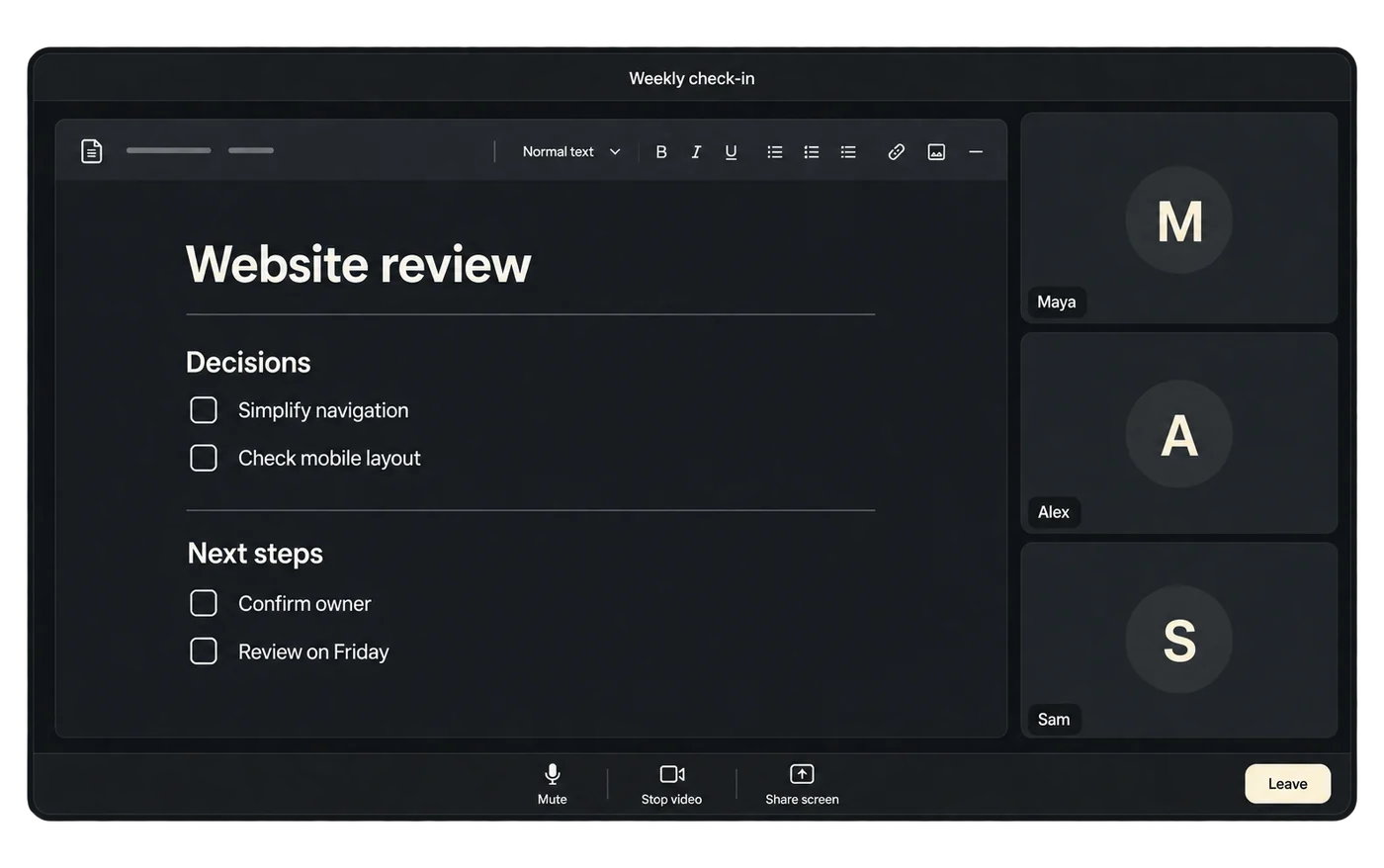
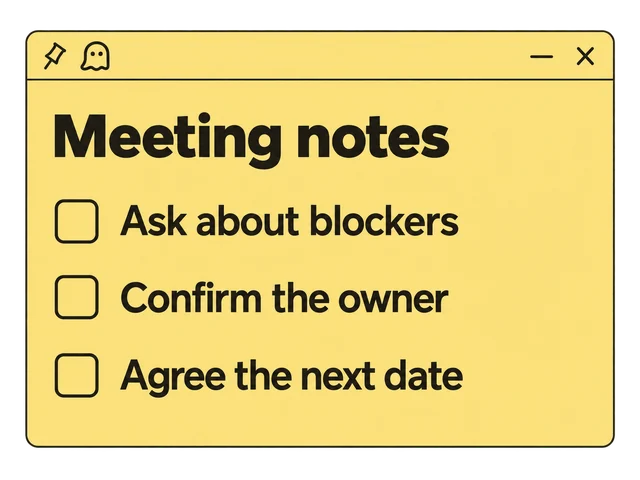
Drag the divider or use the arrow keys
Meeting illustration with private notes. Capture exclusion depends on your OS and capture app. See compatibility details ↗
02 / BUILT FOR YOUR FLOW
Your notes
Without the friction
Prepare for interviews and keep meeting follow-ups within reach
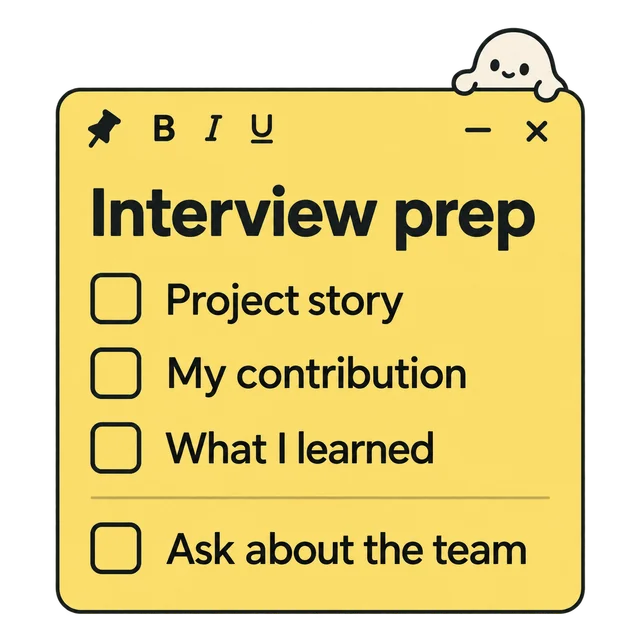
Prepare for
the interview
Keep your project stories, contributions and questions in one note. Add a checklist or pasted screenshot, then adjust its color and opacity
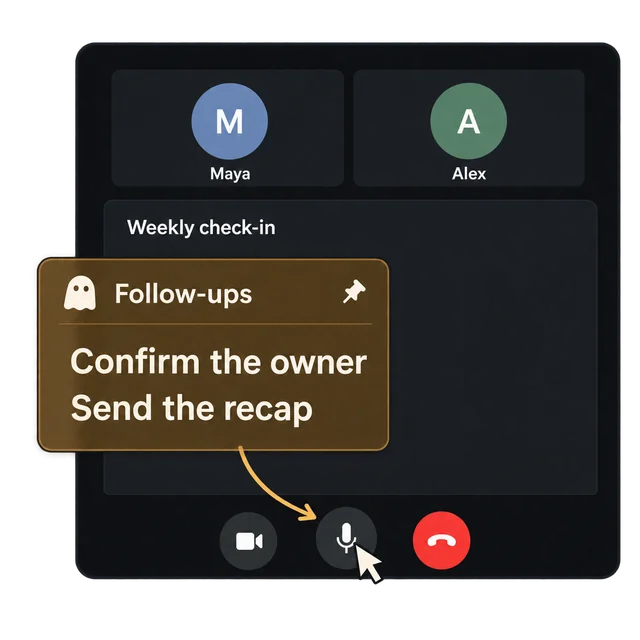
Keep meeting follow-ups
in view
Pin your meeting prompts above the call. Turn on click-through to use the meeting controls underneath while your follow-ups stay in view
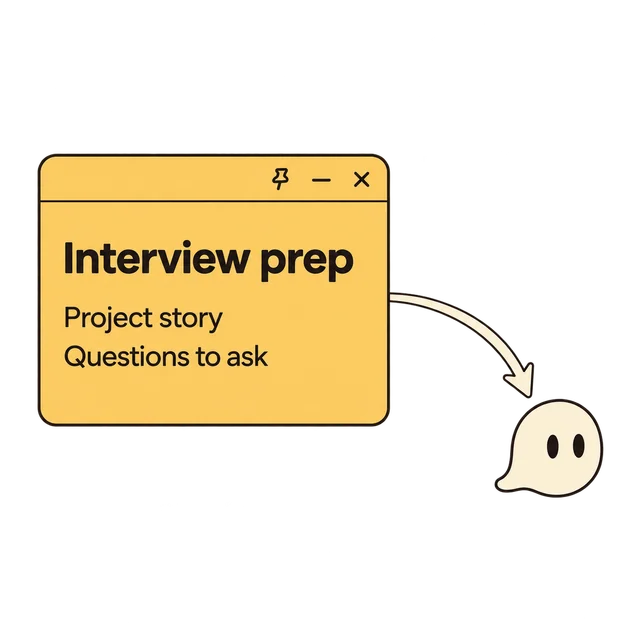
Make room for
the conversation
Collapse your interview prep into a floating ghost bubble. Restore it when you need a reminder. Closing a note hides it, so your notes are still waiting in the manager
03 / THE NOTES MANAGER
Everything saved
Nothing scattered
Separate interview prep from meeting notes and find either in seconds

Workspaces
A home for each project
Instant search
Find the thought you need
Your shortcuts
Make the keys your own
Backup & restore
Take your notes with you
LOCAL BY DESIGN
Your thoughts
stay with you
Saved on your computer
Available even when you’re offline
- No account or sign-in
- No cloud sync or note telemetry
- Works completely offline
The desktop app uses OS encryption when available. Exported backups are plain JSON, so keep them somewhere safe
Explore the source ↗Keep your hands on the keyboard
One shortcut
Back in your flow
The first three shortcuts work inside Ghost Notes
Change any
shortcut in the app settings
Before you ask
Before you download
Is Ghost Notes free?
Yes. Ghost Notes is free and open source under the Apache 2.0 license. No account, subscription, or payment is required
Which platforms are supported?
macOS on Intel and Apple Silicon, and Windows 10/11. Windows capture exclusion requires build 19041 or newer. Ghost Notes is a desktop app; this website works on phones, but there’s no mobile app
Will it work with my recording app?
Ghost Notes uses your operating system’s window capture protection. On supported Windows versions, protected note windows are excluded from capture. On macOS, newer apps using ScreenCaptureKit can still capture protected windows. Always test with your OS and recording or meeting app before presenting
Can I back up and organize my notes?
Yes. Organize notes into workspaces and search them in the Notes Manager. Export a JSON backup, then import it by merging with your notes or replacing them. Backups are not encrypted and do not include pasted image files or workspace organization
Where do my notes go when I close them?
Closing a note hides it. Open the Notes Manager to find it again. Permanent deletion is only available from the manager and asks for confirmation
How do I install or update the app?
Download the latest .dmg for macOS or .exe installer for Windows from GitHub Releases. Builds are currently unsigned, so your OS may show a warning. Updates keep your existing notes, which are stored separately from the app

A QUIET COMPANION